Client portal & app
Clients never see your dashboard. They get surfaces of their own — a portal that gathers every studio they work with, and an installable home for their photos. Neither one is something you build or maintain: both assemble themselves from the client records and gallery grants you already create.
Two surfaces, one email
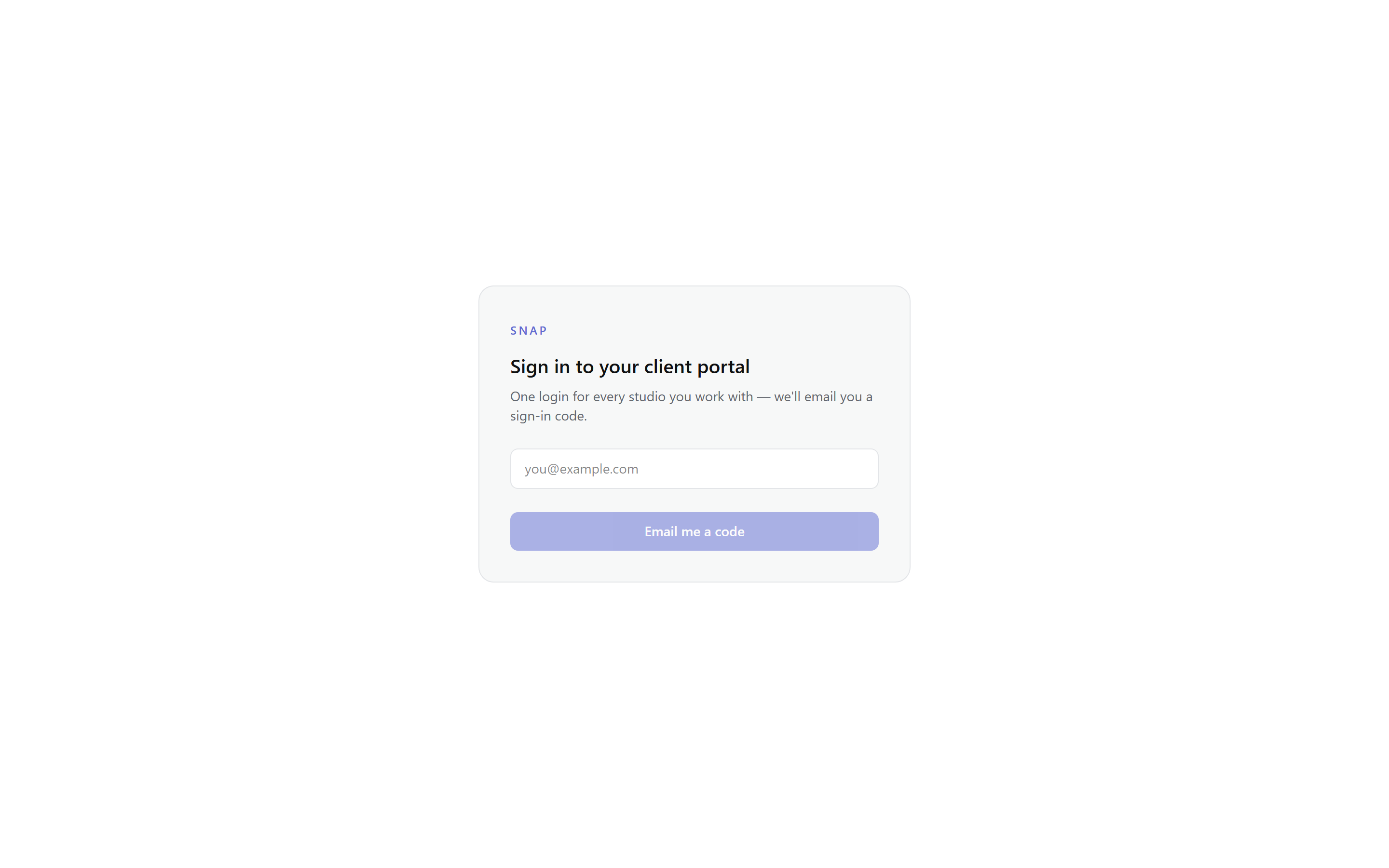
Both surfaces key off your client's email address. The client portal at /portal is the studio-facing home: one card per studio, with the projects, booking counts, and galleries that email is attached to. The photo home at /my is the photos-first surface: every active gallery shared with that email across all your studios, plus sneak peeks, on one page a client can install as an app. A client signed in to one is not automatically signed in to the other — each mints its own session.
Signing in
- Your client enters their email address — no password, ever.
- Snap emails a 6-digit code. It expires in 10 minutes, allows five attempts, and the reply looks identical whether or not that email has a portal — there is nothing to enumerate.
- The device is remembered for 30 days, so returning clients land straight in their photos.
Note: Studio staff emails get a "use your dashboard login" mail instead — a portal session can never carry dashboard rights, and vice versa.
What clients see in the portal
The portal shows one card per studio the email is a client of — your logo, your accent color, and three counters: projects, upcoming and past bookings, and active galleries. Below the counters, the project list — most recent eight first — with each project's status in plain words and a badge on the ones that have a gallery.
Project pages
Opening a project shows a read-only window into that one job: its status (Booked → In editing → Reviewing selects → Photos delivered → Archived), the event date, links to every active gallery, and a timeline of the status changes so far. Gallery links reuse the exact secure /g/ experience your emails send — same verification, same expiry.
Each studio card also carries a notification toggle, so a client can mute one studio's emails without affecting the rest. What never appears: your internal notes, your finances, or any other client's data — the pages re-check, per request, that the signed-in email holds the client record, and 404 otherwise.
The installable photo home Lite
/my is a client's whole photo life with you: active galleries as cards with cover, photo count, favorites, and a "closes in N days" countdown; opening one hands off to that gallery's own secure session. Photographers' new work can arrive as sneak peeks — a few flagged photos shown before the full gallery lands.
The page is installable: the app icon and name on the home screen are the studio's own, themed with its accent, and once opened it keeps working offline — favorites made offline sync when connection returns. Galleries from paid studios only appear here; a free studio's gallery links keep working exactly as always, they just don't surface in the app.
White-label on the client side
When you white-label, the portal steps aside too: the Snap wordmark and the "· Snap" browser-tab suffix drop once every studio in that client's portal is white-labeled — mixed clients still see who makes the platform. The installable app carries your name and icon either way, with a small "Delivered by Snap" line at the foot of the photo home.