Photo protection
Every gallery platform markets “protection.” Some of it is real, and some of it is theater — nobody can stop a client from photographing their screen with a phone. This page is the straight version: the layers Snap actually gives you, what each one does, and what none of them can do.
Galleries serve previews, not originals
Client galleries render compressed preview images — around 1600px, tuned for screens — not your deliverable files. A saved preview is a ~1600px image. Full-resolution originals are only served through the explicit download action you control, per gallery.
Verified, expiring, revocable links
Every gallery lives behind an email-verified link — a one-time six-digit code, not a guessable password. You set the expiry, you can revoke or rotate the link at any moment, and access is logged: views, OTP outcomes, downloads, PIN failures, even shared-photo views. See Delivering galleries for the controls.
Watermarks Studio
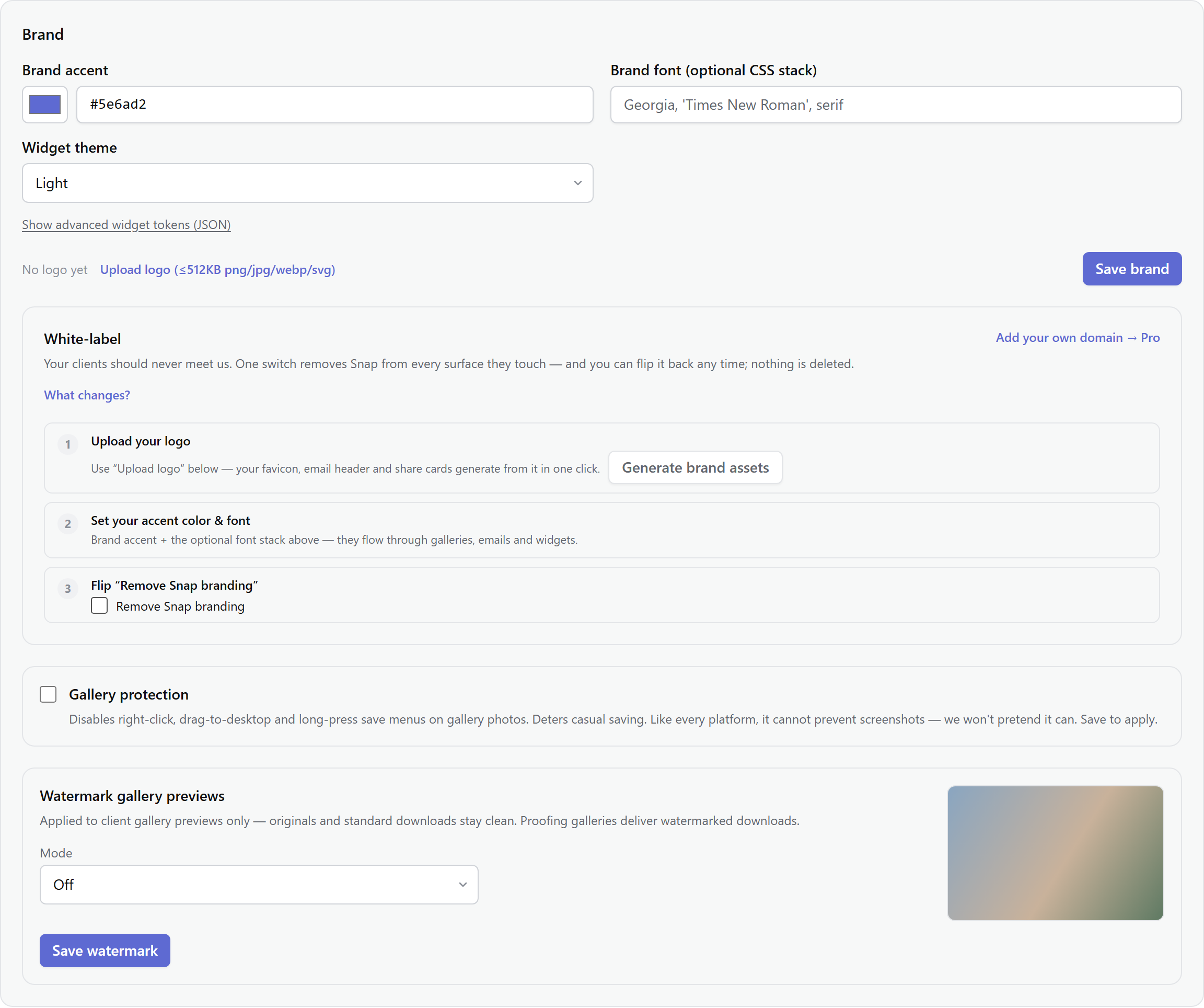
Your logo or studio name — corner, tiled, or text — composited onto gallery previews. Configure it once in Settings → Brand (with a live preview and sliders for opacity, scale, and margin), and override per project where a gallery shouldn't carry it. Downloads stay clean by default, and proofing galleries flip that: clients get watermarked files until they buy, then you deliver the clean set.
Right-click & long-press deterrence Studio
One toggle in Settings → Brand disables right-click menus, drag-to-desktop, and long-press save prompts on gallery photos. It stops the casual right-click-save. It does not stop screenshots, screen recording, or a camera pointed at the screen — and any platform that tells you otherwise is selling theater.
The honest summary
Effort, raised — never impossibility
Layered protection raises the effort required to take what isn't theirs — and gives you an audit trail when it matters. It cannot make taking impossible; nothing can. Watermark your previews, use proofing galleries for pre-sale delivery, revoke links when a gallery's job is done — and deliver your paying clients the clean, full-resolution files they paid for.
Note: Per-gallery download defaults (expiry, downloads on or off) live in Settings → Delivery; the watermark and deterrence toggles live in Settings → Brand.